Category

PC Tech Guide

#UsefulTech #PCHacks #BIOS #AutoBoot #TechKnowledge

23/07/2026

A Comprehensive Overview of INYUDA DY35 Series Motherboard in Industrial Mini PC

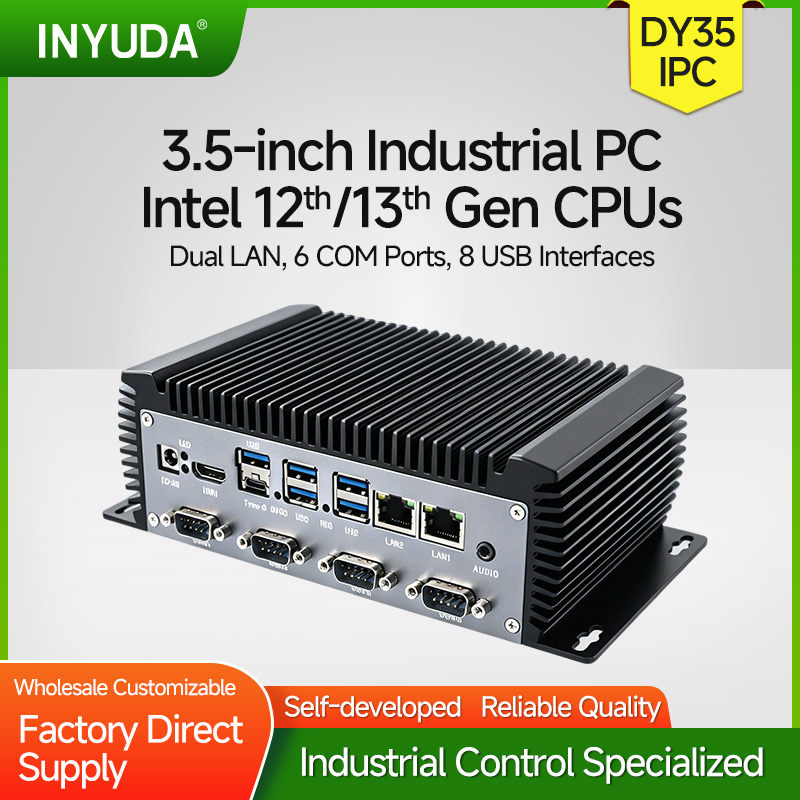
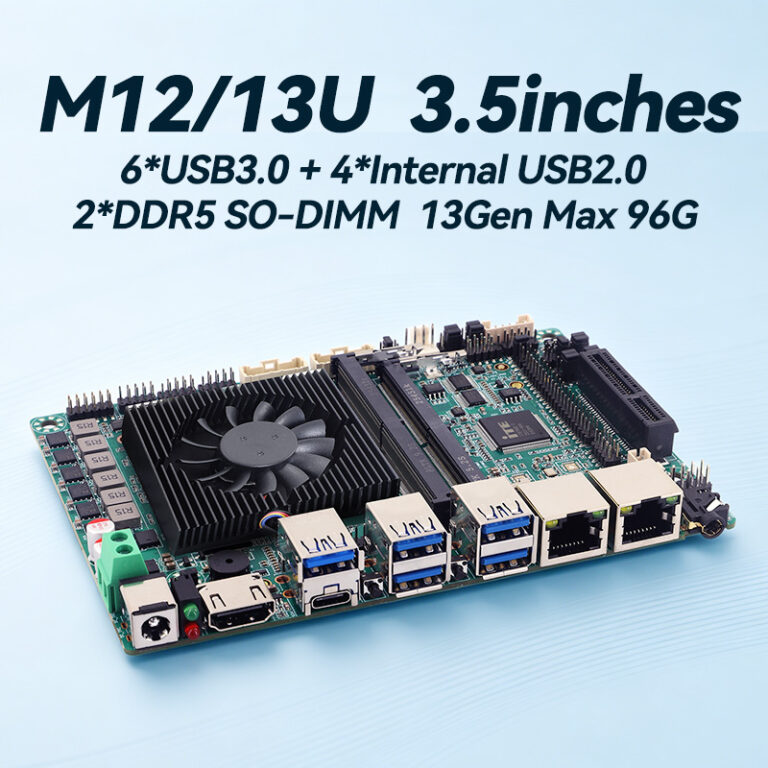
The 3.5-inch form factor remains the cornerstone of embedded and industrial computing, offering an optimal balance between compact dimensions and rich expansion capabilities. The DY35 series from our lineup exemplifies this standard, providing three distinct platform variants to address the evolving and diverse demands of modern industrial applications, from legacy system upgrades to cutting-edge edge […]

Read More

29/06/2026

How to change computer boot mode to SSD/HDD for your PC

This tutorial covers standard BIOS & UEFI operations for desktops, laptops and industrial PCs, helping you prioritize HDD/SSD boot mode. Below more clear steps: 1. Pressing Del to enter into BIOS 2. Go to Advanced==CSM configuration==CSM Support==Enabled 3. Choose GateA20 Active, choose Upon Request 4. Choose Boot Option Filter ==UEFI and Legacy 5. Choose Boot==Boot […]

Read More

09/06/2026

How to Set Auto-power in computer BIOS

Handy trick alert! Configure your computer to turn on automatically once electricity comes back. Simply enter BIOS, follow the video/ below steps, then save and reboot. Super useful for home and office PCs.: Step1: Keep Pressing F11/ Del to enter into BIOS Step2: Go to Chipset==> choose PCH-IO Configuration==>State After G3 Step3: Choose SO State, […]

Read More

10/10/2025

How to Drive Wifi 6E–MT7902

To get the MediaTek MT7902 Wi‑Fi 6E working on Windows (10/11 64‑bit), follow these steps:         1) Check Hardware &BIOS In Device Manager → Network adapters, you should see: MediaTek Wi‑Fi 6E MT7902 Wireless LAN Card If missing or yellow exclamation: you need the driver files to reboot. 2) Install / update driver […]

Read More

26/01/2024

Inyuda Year-End Party: Let’s Rock 2023 & Beyond!

The new year was just around the corner, and Dieyun Intelligent Control threw an awesome year-end party to wrap up the whole 2023! This fun gathering was all about showing off our team spirit and energy, plus giving a big shoutout to every hardworking team member here. The party kicked off with a warm speech […]

Read More

10/12/2022

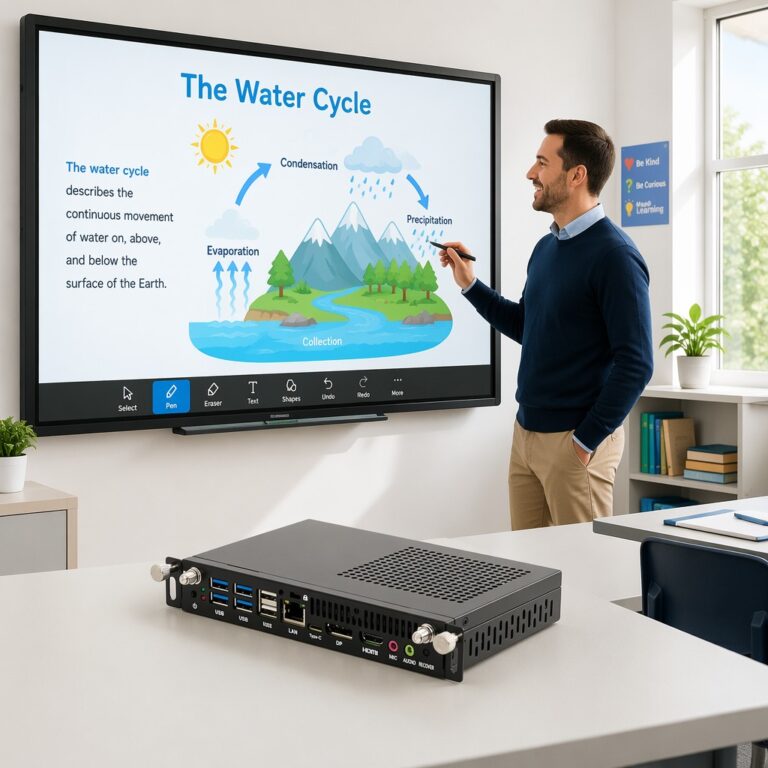
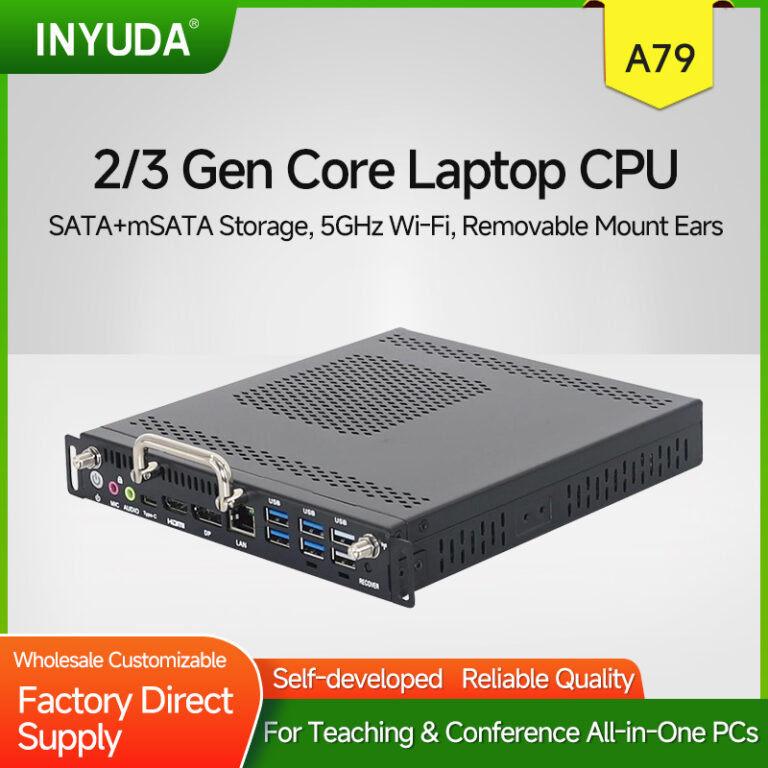
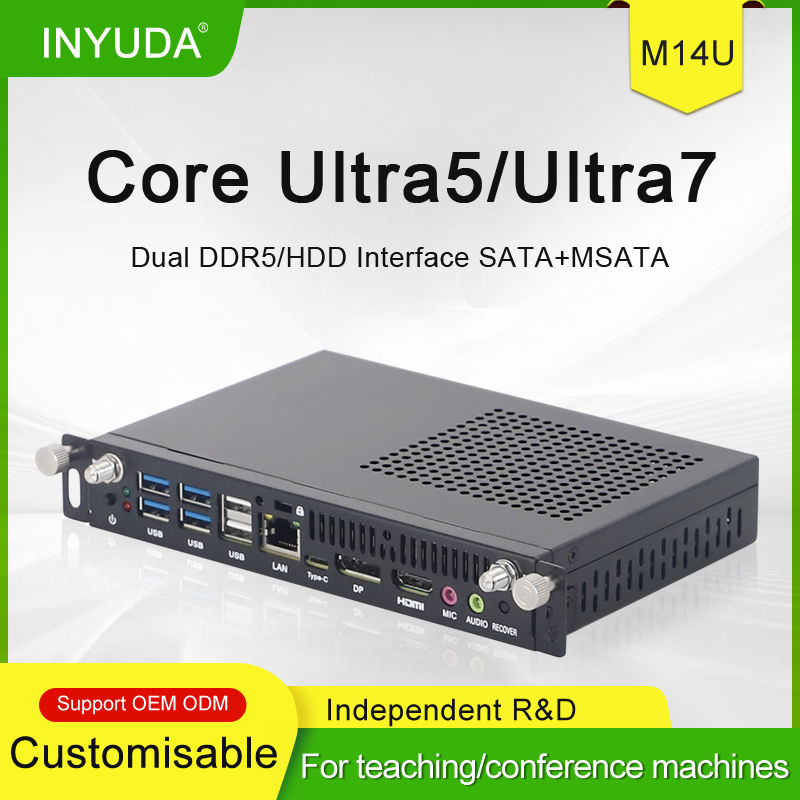
What Is an OPS PC? Differences Between OPS and Ordinary PCs

What Is an OPS PC? An OPS PC is a customized miniature host with power and display interfaces vastly different from regular desktop computers, so it cannot be used as a standard home PC. OPS stands for Open Pluggable Specification, a pluggable computing module form factor designed to add computing power to flat-panel displays. This […]

Read More

21/10/2022

How to Enter into Bios Setting and Set the Resolution for 19inch AIO PC

On most consumer/mainstream motherboards, BIOS only controls the boot/logo/UEFI menu resolution (not Windows desktop). For a 19” AIO with LVDS/eDP panel, the “resolution” setting in BIOS is usually under Chipset → North Bridge / LCD Control. 1) Best resolution for 19” AIO 19″ standard (16:10): 1440 × 900 (most common for AIO/industrial) 19″ wide (16:9): […]

Read More

07/01/2021

How to Select a Suitable OPS Slot PC Module

OPS is a standardized 80-pin pluggable computing module. Selection should be evaluated from five core dimensions: physical compatibility, computing platform, application scenarios, hardware configuration and operational stability, to avoid insufficient performance or over-specification. 1. Verify Physical Compatibility with Displays First check the OPS slot specification of interactive panels: mainstream thickness options include 42mm (domestic standard) […]

Read More