Latest Updates

Blog

PC Tech Guide

How to update your BIOS in your PC

This guide integrates U disk formatting and EFI BIOS flashing procedures. It is beginner-friendly. Follow the steps strictly to complete the BIOS update successfully. Preparations Prepare a U disk (8G/16G is recommended for optimal compatibility); Back up all data on the U disk in advance; formatting will erase all files; Download the BIOS compressed file […]

Read More
New Release

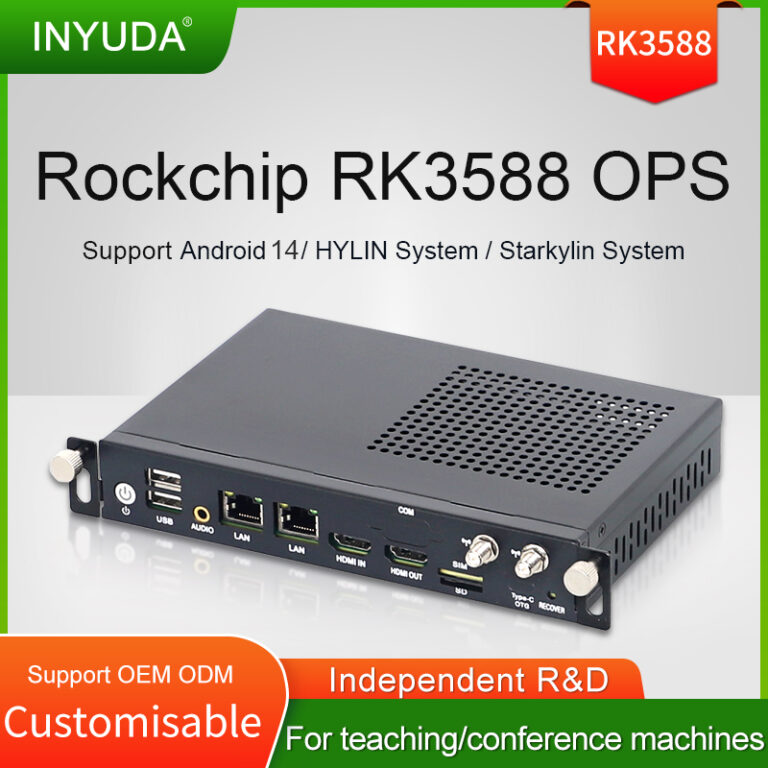
RK3588 OPS Flagship Embedded Module Introduction

The RK3588 OPS is a high-performance pluggable embedded computing hardware built on Rockchip 8nm octa-core RK3588 SoC, complying with universal 80-pin OPS standard for interactive flat panels, integrating CPU, GPU, dedicated NPU and VPU multimedia engine to deliver all-in-one edge AI and ultra-high-definition display capability. Below are four core selling points, vertical industry applications and […]

Read More
New Release

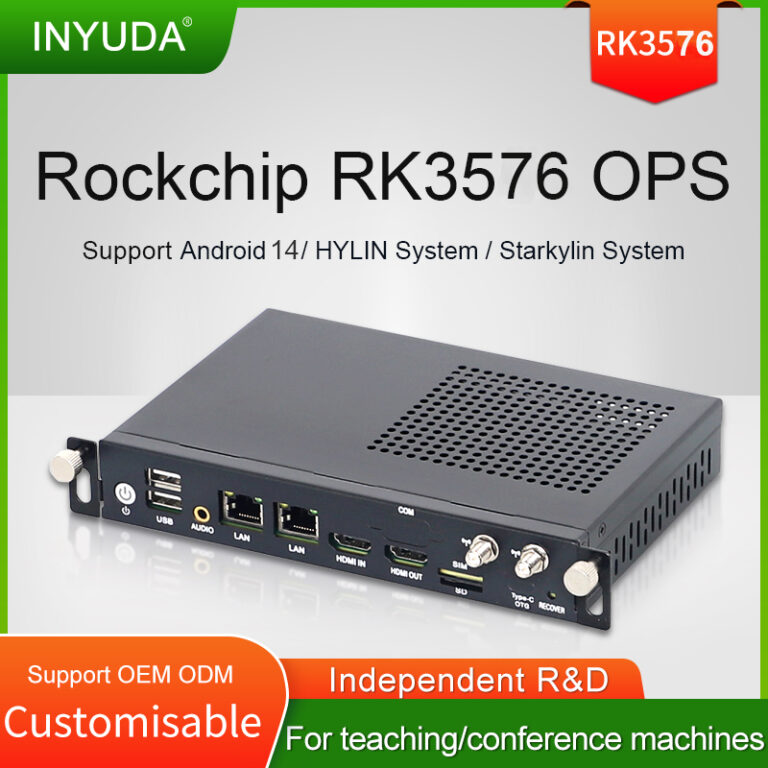
Upgrade your digital signage OPS module to the next generation with Rockchip RK3576!

Legacy OPS devices built on Cortex-A9-based chips (like RK3188) struggle with modern 4K content, multi-task playback and interactive AI functions. Our RK3576-powered OPS delivers a massive performance leap for commercial displays. ✅ Octa-core 64-bit architecture: 4×Cortex-A72 + 4×Cortex-A53, up to 2.2GHz. Far superior to aged 32-bit Cortex-A9 platforms, stable for long-hour continuous operation. ✅ Built-in […]

Read More
PC Tech Guide

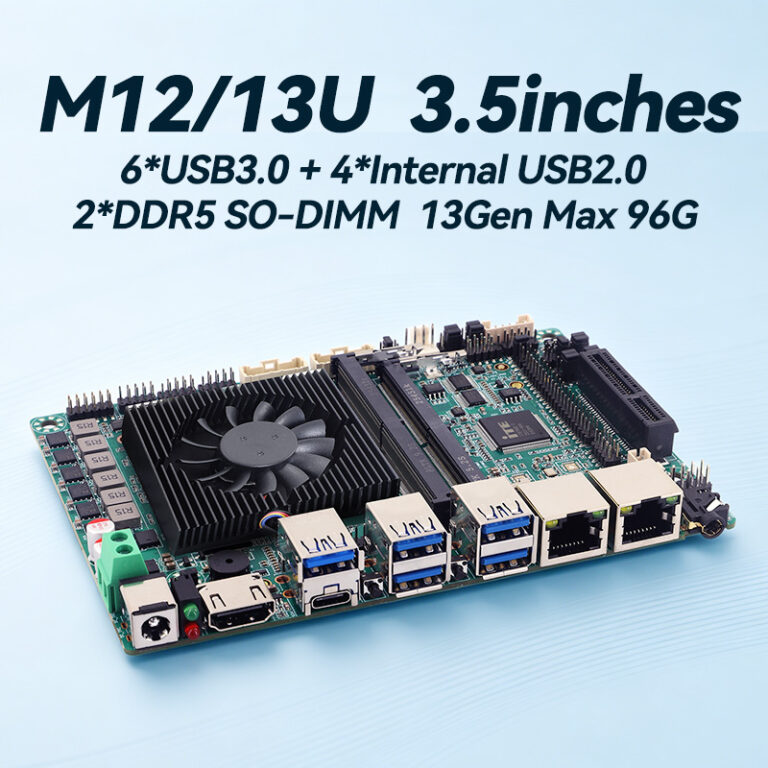
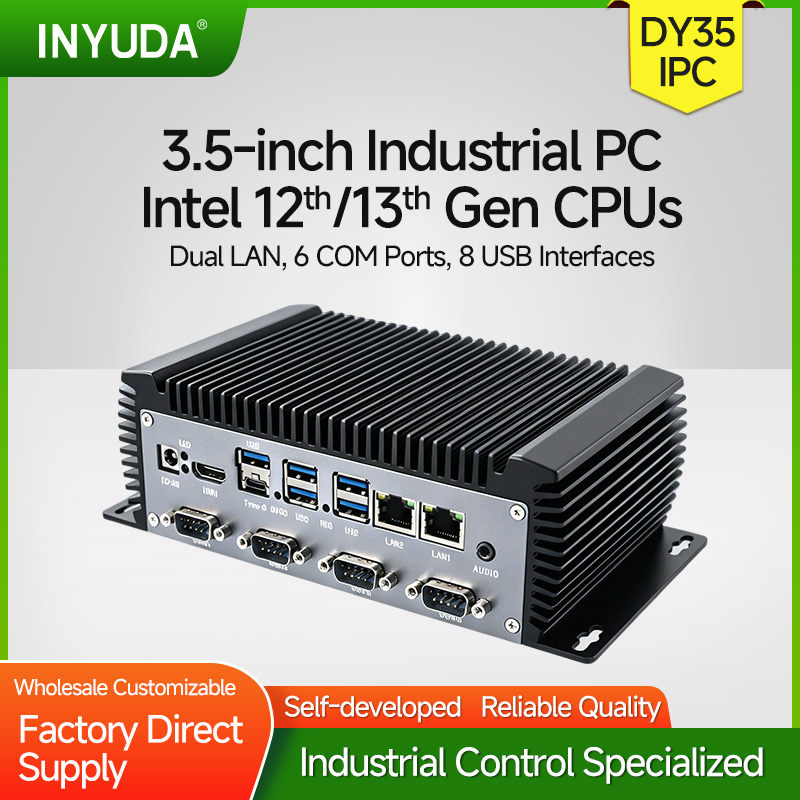
A Comprehensive Overview of INYUDA DY35 Series Motherboard in Industrial Mini PC

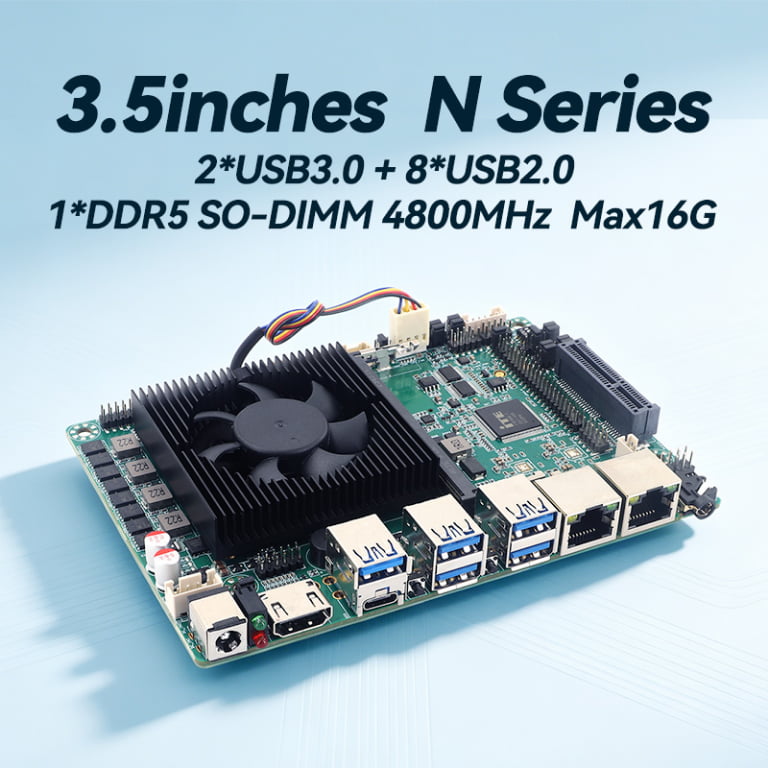
The 3.5-inch form factor remains the cornerstone of embedded and industrial computing, offering an optimal balance between compact dimensions and rich expansion capabilities. The DY35 series from our lineup exemplifies this standard, providing three distinct platform variants to address the evolving and diverse demands of modern industrial applications, from legacy system upgrades to cutting-edge edge […]

Read More
PC Tech Guide

How to change computer boot mode to SSD/HDD for your PC

This tutorial covers standard BIOS & UEFI operations for desktops, laptops and industrial PCs, helping you prioritize HDD/SSD boot mode. Below more clear steps: 1. Pressing Del to enter into BIOS 2. Go to Advanced==CSM configuration==CSM Support==Enabled 3. Choose GateA20 Active, choose Upon Request 4. Choose Boot Option Filter ==UEFI and Legacy 5. Choose Boot==Boot […]

Read More
New Release

3.5-inch Industrial PC: Core of Parking Lot Automation

Automatic systems are now standard for modern parking lots, and the 3.5-inch industrial PC serves as the core controller. Its small size and low power consumption allow easy installation inside devices for non-stop operation. INYUDA specializes in industrial computing hardware. Its 3.5-inch industrial PCs fit parking scenarios perfectly. With abundant interfaces, they link license plate […]

Read More
PC Tech Guide

How to Set Auto-power in computer BIOS

Handy trick alert! Configure your computer to turn on automatically once electricity comes back. Simply enter BIOS, follow the video/ below steps, then save and reboot. Super useful for home and office PCs.: Step1: Keep Pressing F11/ Del to enter into BIOS Step2: Go to Chipset==> choose PCH-IO Configuration==>State After G3 Step3: Choose SO State, […]

Read More
PC Tech Guide

How to Drive Wifi 6E–MT7902

To get the MediaTek MT7902 Wi‑Fi 6E working on Windows (10/11 64‑bit), follow these steps:         1) Check Hardware &BIOS In Device Manager → Network adapters, you should see: MediaTek Wi‑Fi 6E MT7902 Wireless LAN Card If missing or yellow exclamation: you need the driver files to reboot. 2) Install / update driver […]

Read More
PC Tech Guide

Robust Industrial Hardware Empowers Smart New‑Energy Terminal Deployment

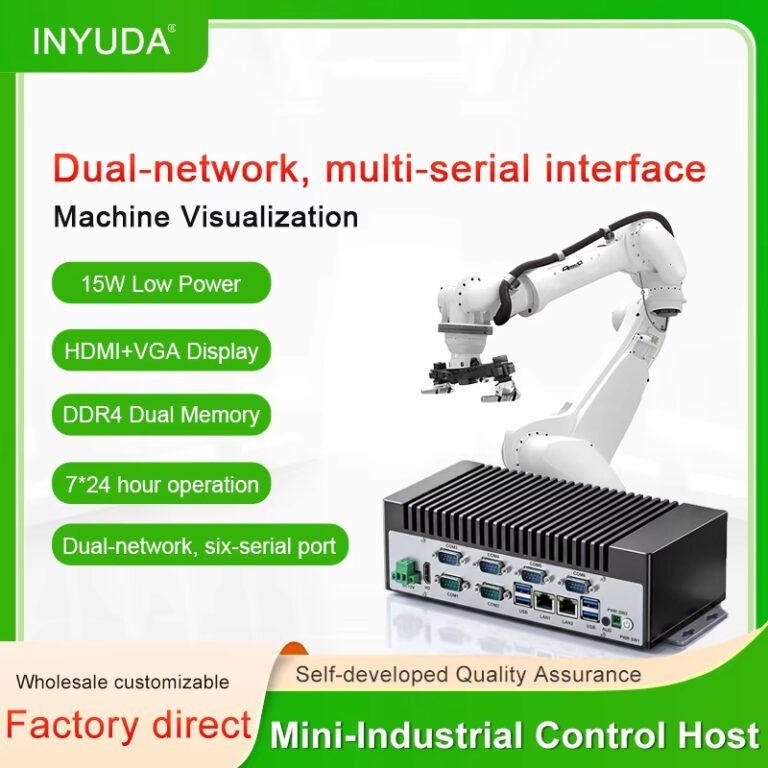
As global new‑energy infrastructure expands rapidly, intelligent charging piles, outdoor digital signage and energy‑management terminals demand reliable embedded computing hardware that can withstand complex outdoor operating environments. Conventional consumer‑grade computers cannot cope with wide temperature fluctuation, dust interference and long‑duration continuous operation, making fanless industrial PCs the core computing backbone for new‑energy smart terminals. Designed […]

Read More
Company News

Inyuda Foshan Factory introuction with video

Shenzhen Inyuda Intelligent Technology Co., Ltd. is a high-tech enterprise specializing in Mini PC, computer motherboards, OPS Mini PC, and system equipment. Established in 2017, it serves diverse markets including education and advertising. With a focus on R&D, it offers OEM and ODM service, ensuring reliable performance and efficient solutions. The factory in Foshan, which […]

Read More