


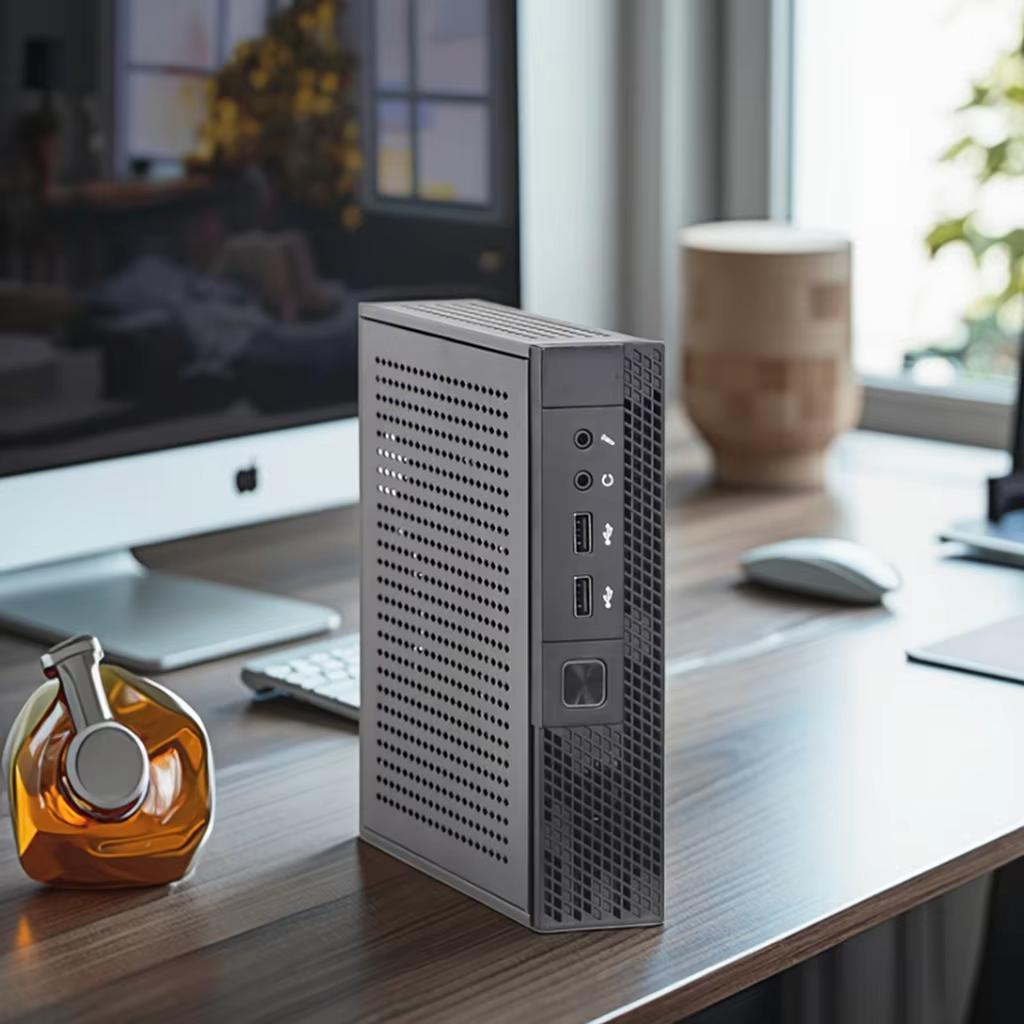


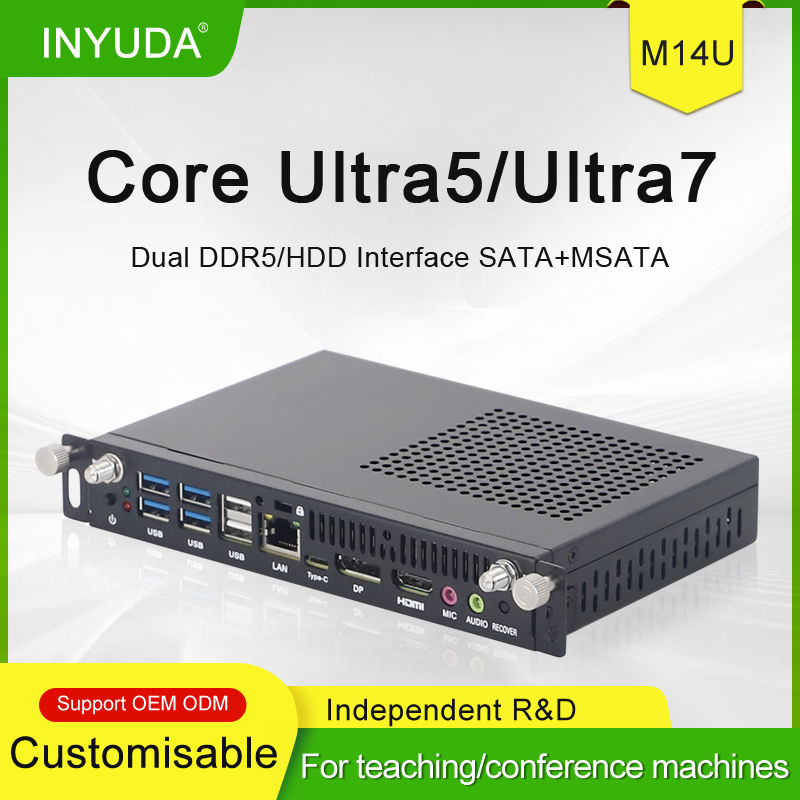



Handy trick alert! Configure your computer to turn on automatically once electricity comes back. Simply enter BIOS, follow the video/ below steps, then save and reboot. Super useful for home and office PCs.:
Step1: Keep Pressing F11/ Del to enter into BIOS
Step2: Go to Chipset==> choose PCH-IO Configuration==>State After G3
Step3: Choose SO State, press F10 and Enter to save and exit
Video link: https://youtu.be/Jo5hsBYPCl8